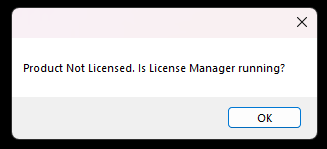
Error Message: Product Not Licensed. Is License Manager running?
Product Not Licensed. Is License Manager running?
Note
Make sure License Manager is installed. Go to Installing License Manager
So you're getting the below error message?
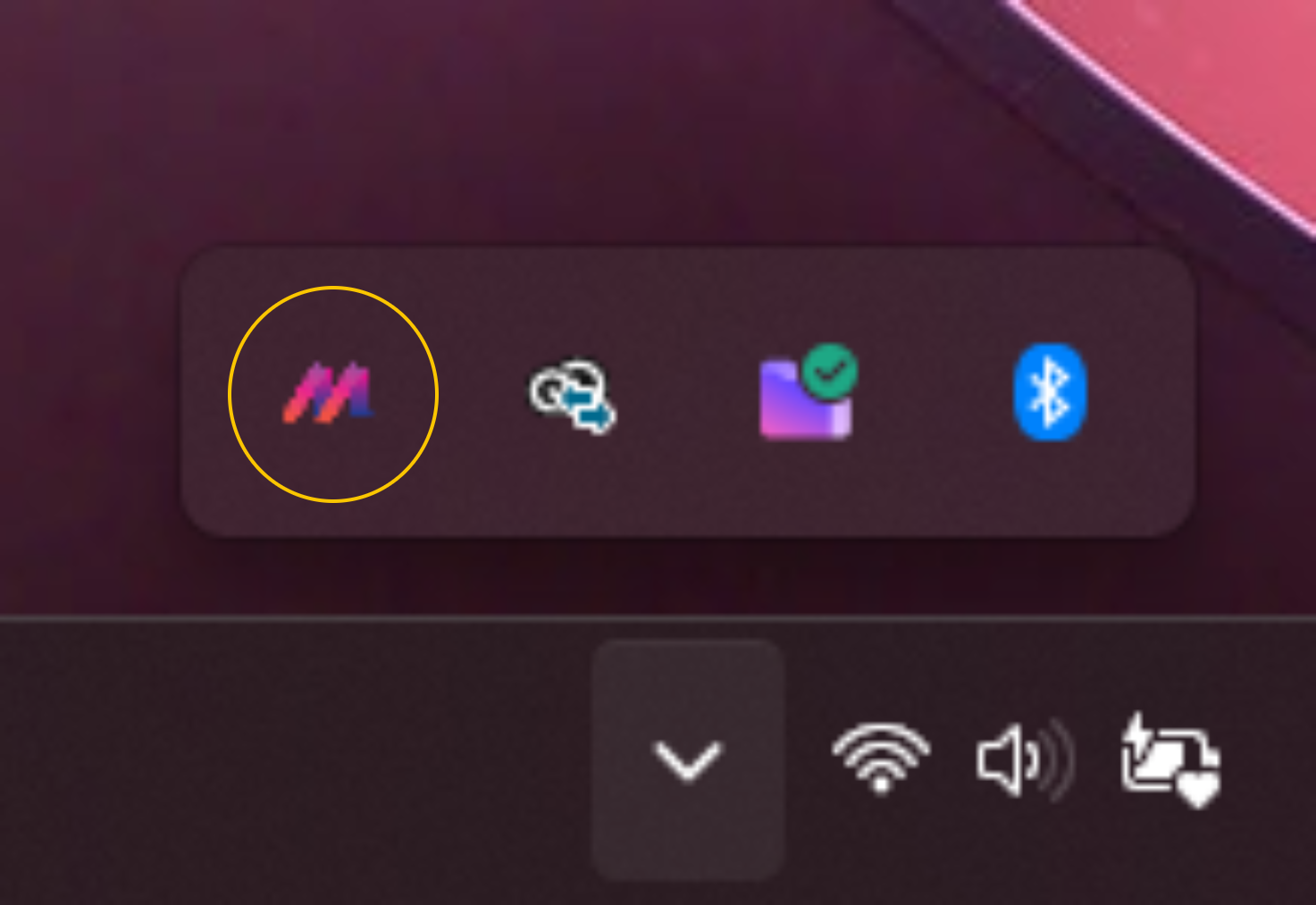
Step 1: Check License Manager Is Running
Find the M Logo in your windows tray, and left click to open.
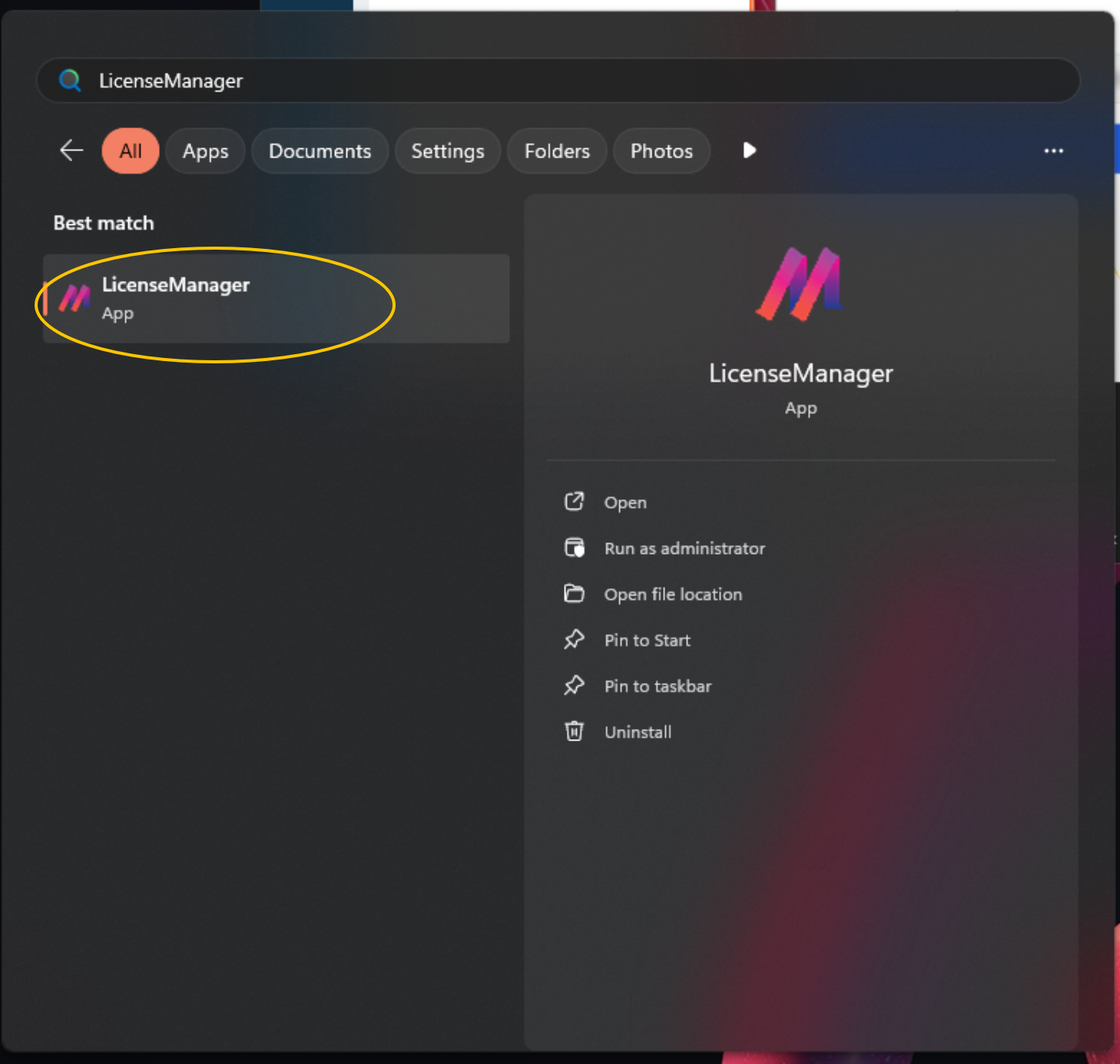
If you can't find it, go to your start menu and search for 'LicenseManager' and click it to open, then go to the tray and left click on the M logo to open License Manager.
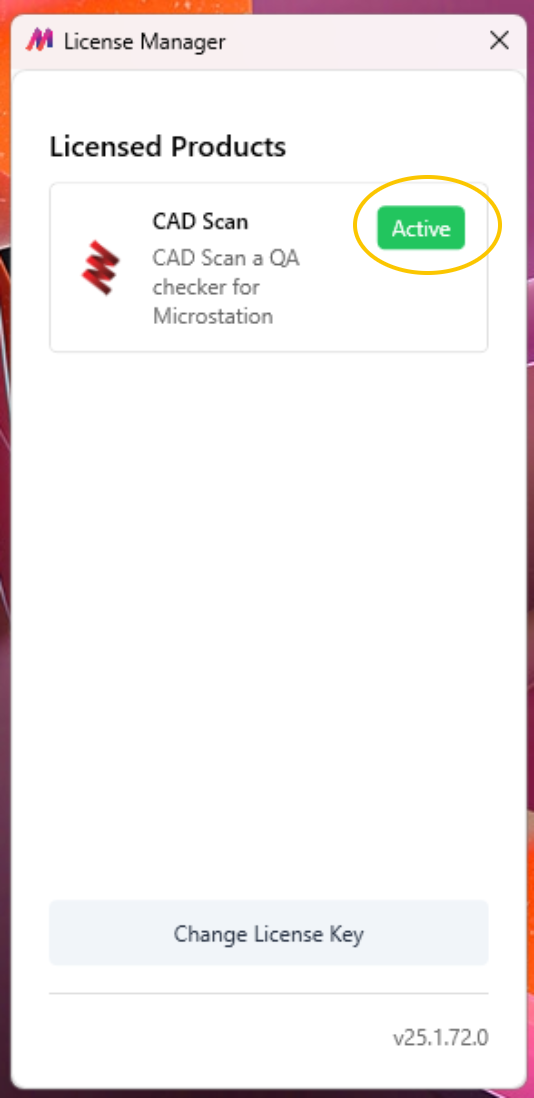
Step 2: Check you have a valid license for CAD Scan
Note
Make sure you have activated your License Key. Go to Activating Your License.
You should see an 'Active' label next to CAD Scan. If you don't please contact your administrator first and failing that please submit a support ticket and we'll help.