Activating Your License
Activating Your License
Note
You must first install License Manager, go to Installing License Manager article.
Step 1: Open License Manager
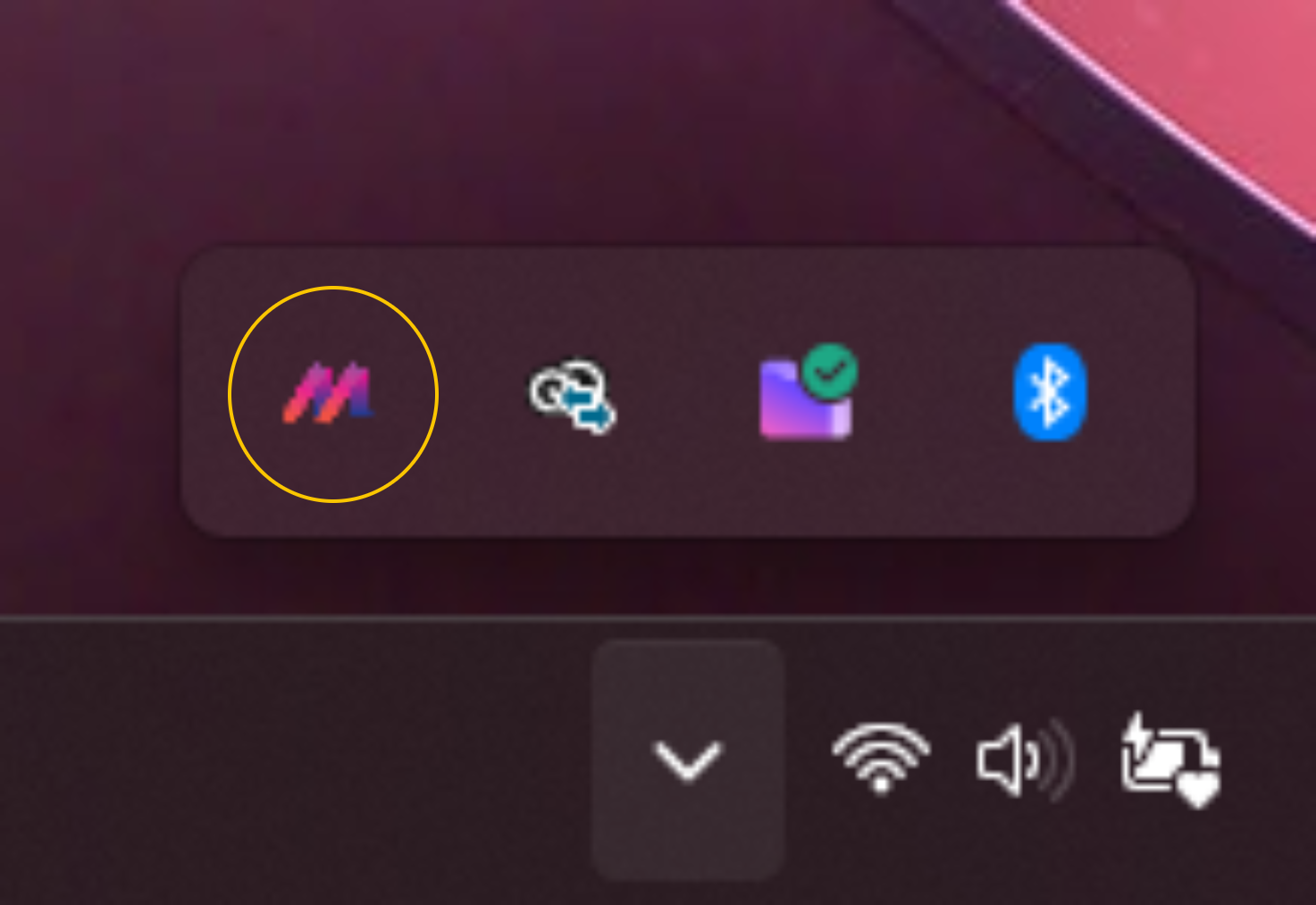
Open License Manager by left clicking on the M logo in your windows tray.
Step 2: Enter Your License Key
When you signed up for CAD Scan you will have received a license key via email. If you've not received a License Key ask your company's administrator, they will have received your license key if the Team or Professional package was purchased.
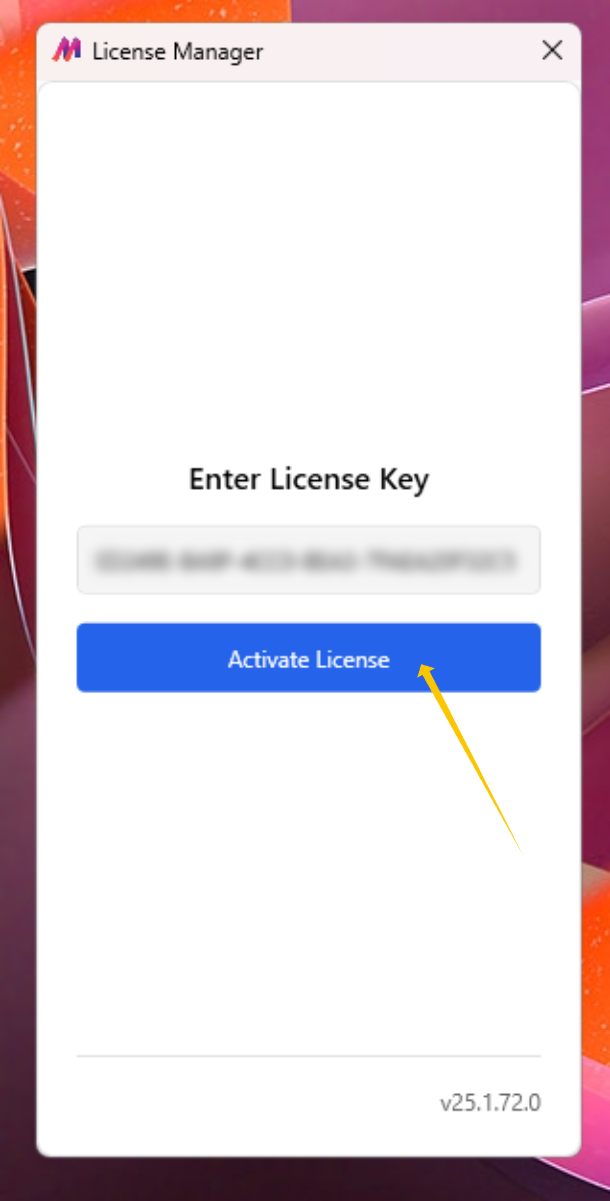
Enter your License Key and click 'Activate License'
Step 3: Confirm Your License Is Valid
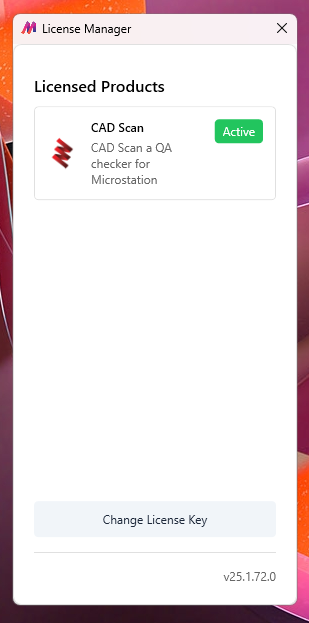
After a small delay whilst License Manager verifies your License Key with our license server, your licensed products will appear. You should see CAD Scan and a 'Active' green label.
Note
Next Step: *Install CAD Scan*