Installing License Manager
Installing License Manager
Step 1: Download
Download License Manager from this link: License Manager Download
Step 2: Install
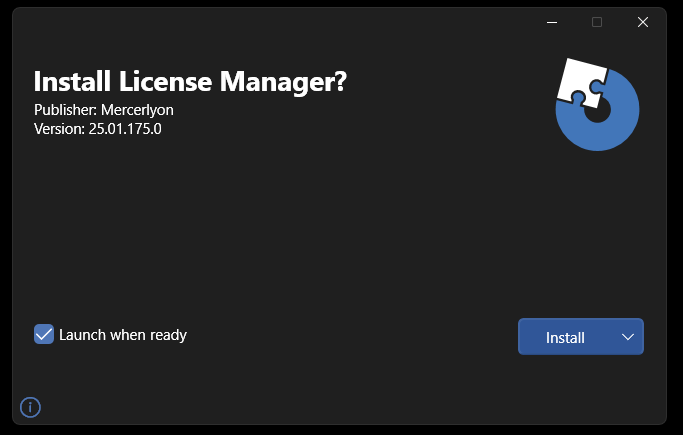
Double click on the downloaded file 'License Manager - Setup.msi' to start the setup process. This will install License Manager for the logged in user. When the window appears, click 'Install'.
Note
License Manager does not require elevated privileges to install.
Note
License Manager must be installed by the user who will run CAD Scan. Do not install as a different user, an impersonated user or using elevated privileges.
Step 3: Confirm Installation
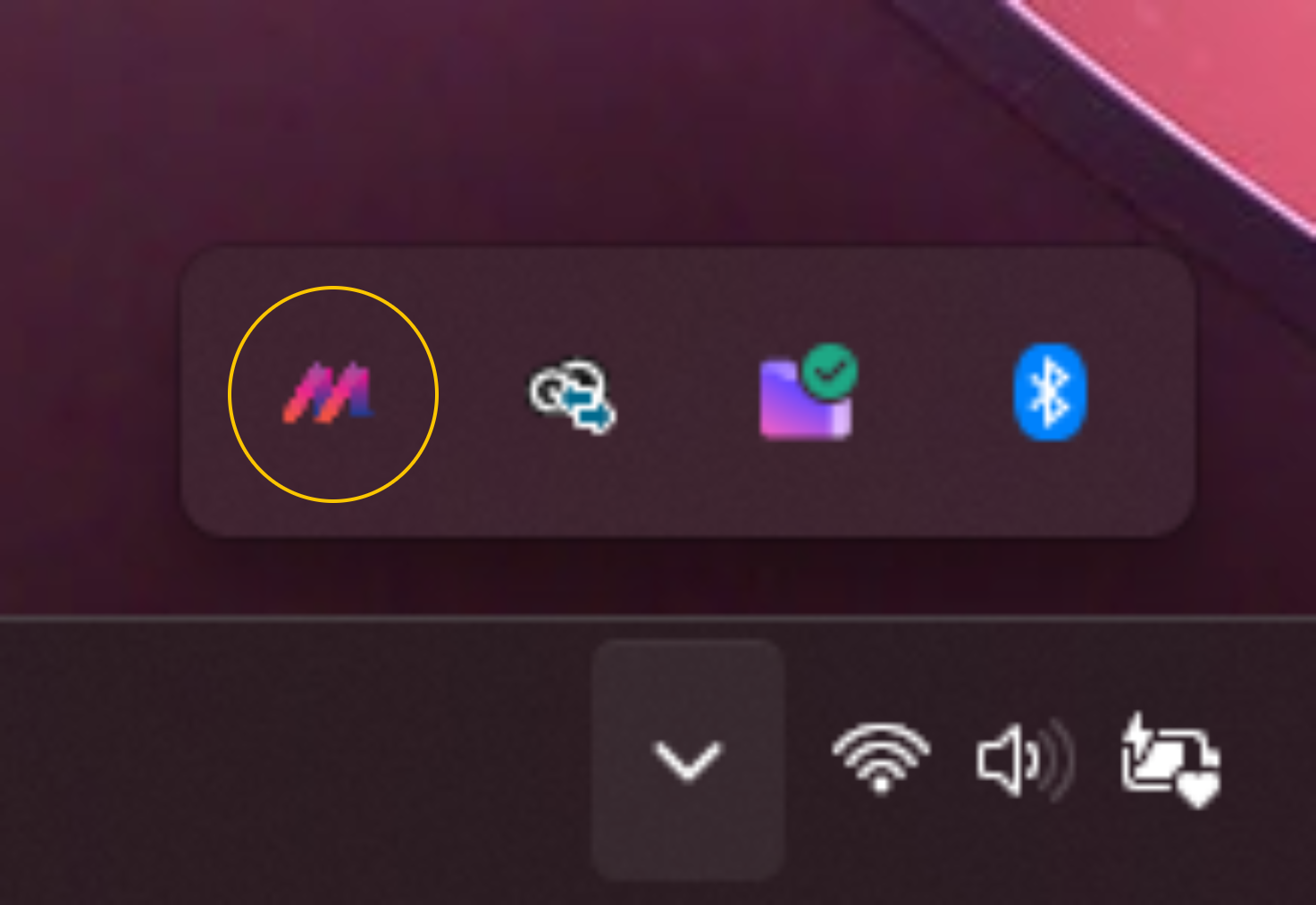
Check License Manger tray application is running by finding the M logo as highlighted below:
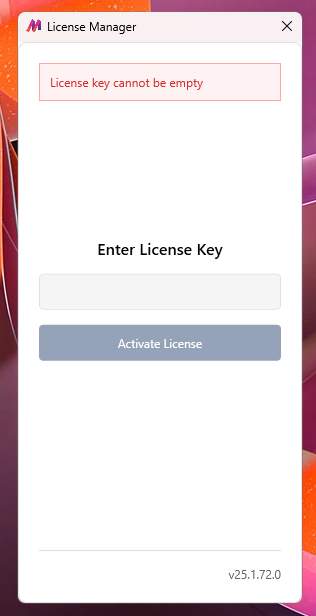
Left clicking will open the License Manager tray application:
Note
Next Step: Activate Your License